
Pirate Keys
A keyboard for pirates
Get it on the App Storehey, I’m running late, save me a seat
ahoy, I be runnin’ behind the tide, save me a berth
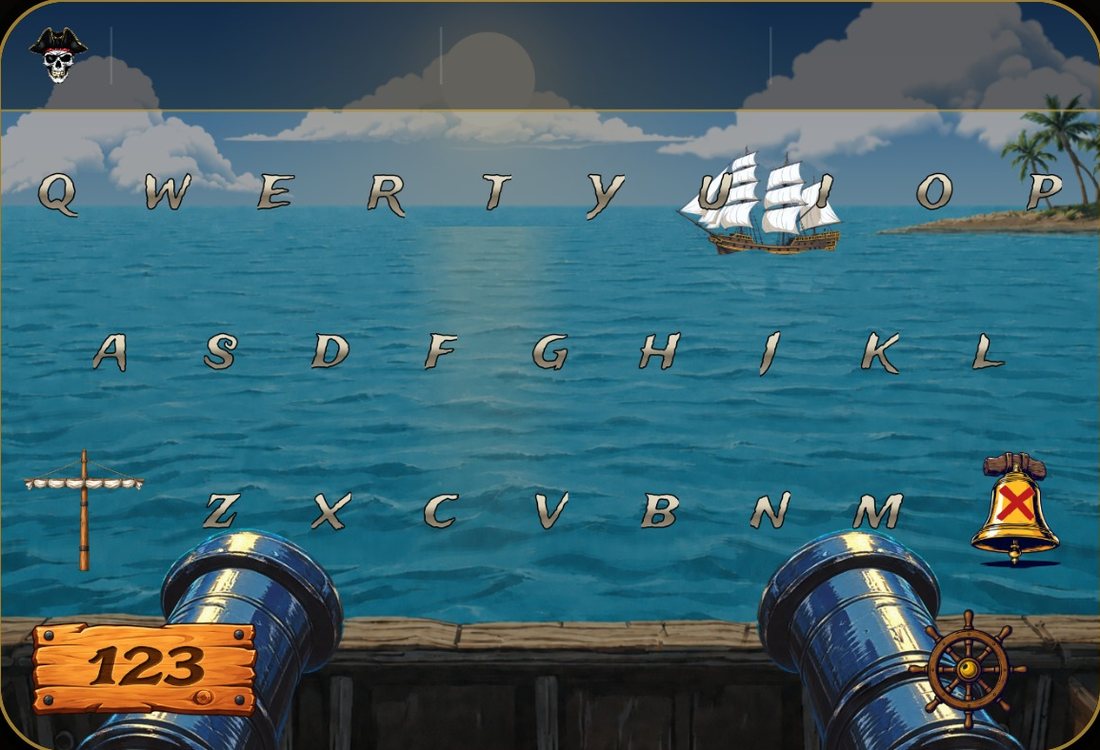
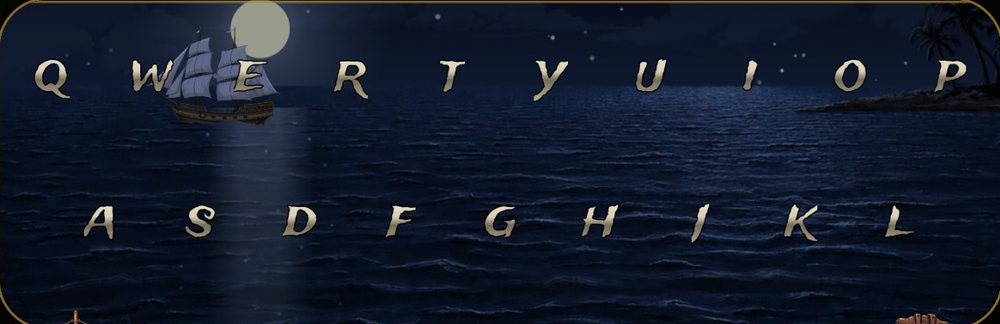
A sky that follows your clock
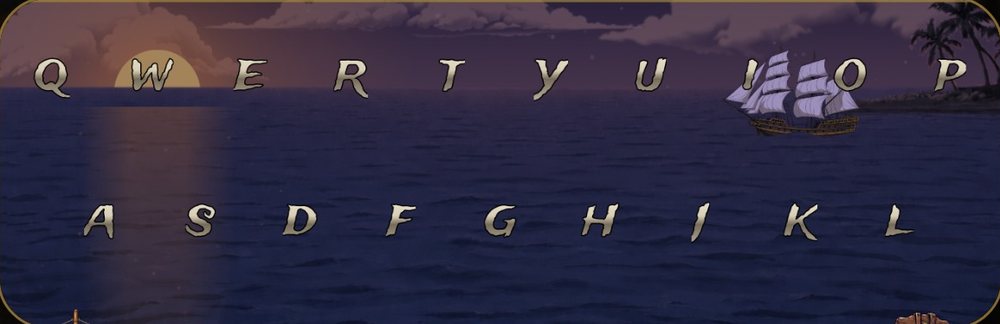
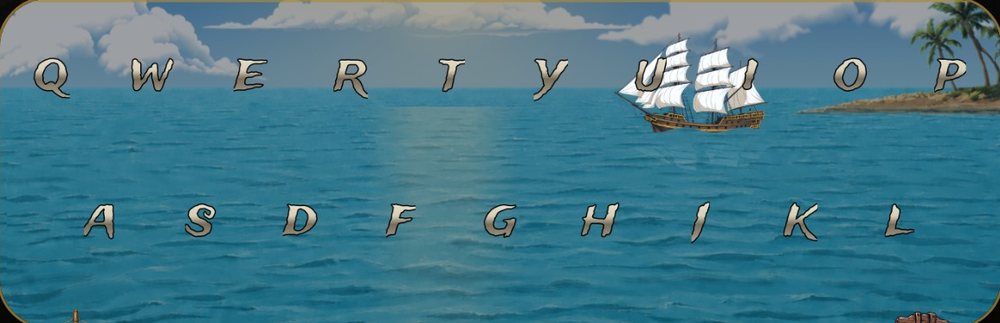
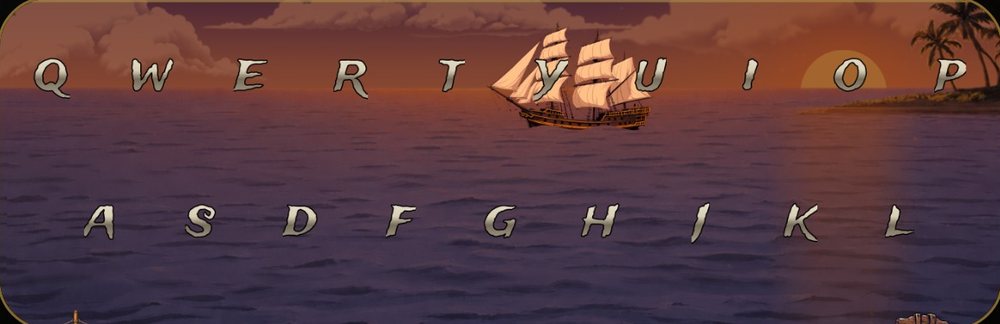
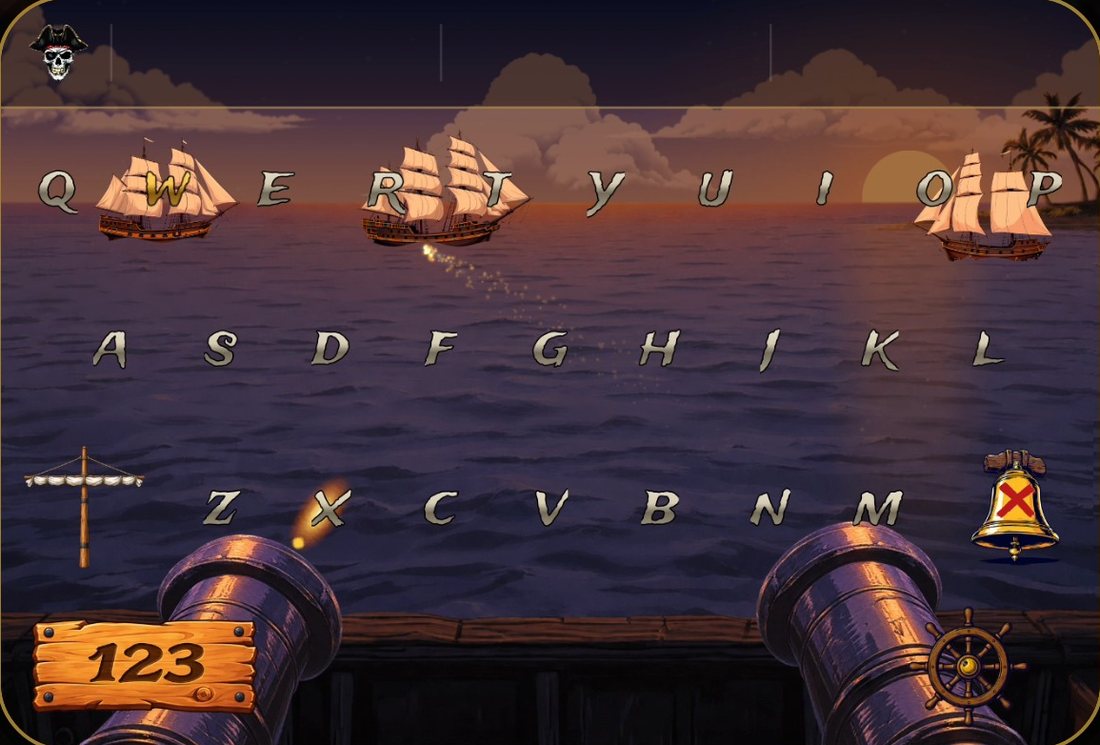
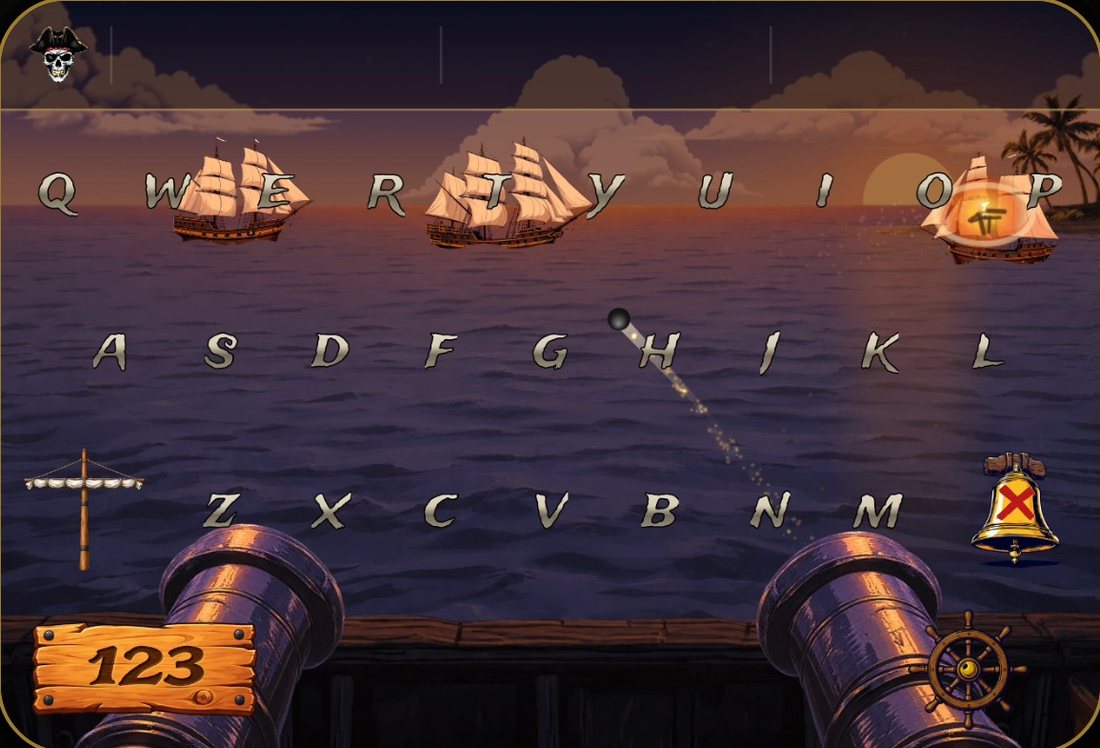
Cannons fire as you type
Talk like a pirate
- Write any message and press the skull key
- Press it again for a different telling
- Hold it to get your own words back
- On an empty line it drops a pirate saying
Reads before it swaps
- It reads the whole sentence before changing a word
- A river bank stays a bank
- Names stay just how you typed them
- Links, numbers, @handles and quotes never change
A ship’s deck
- The sky follows your clock from dawn to night
- Ships sail past while the cannons fire as you type
- Every key has its own sound, from cutlasses on the space bar to a ship’s wheel on return
- Flip the silent switch to mute
Collects nothing
- Never asks for Full Access
- iOS blocks it from the internet
- Every translation happens on your phone
- What you type stays yours
Setup
1Open Settings and go to General → Keyboard → Keyboards
2Tap Add New Keyboard… and pick Pirate Keys
3Hold the globe key 🌐 in any text field and pick Pirate Keys
Support
Questions or requests: